
Published by Jeremy. Last Updated on February 9, 2026.
Disclaimer: This Week in Blogging uses demographic data, email opt-ins, and affiliate links to operate this site. Please review our Terms and Conditions and Privacy Policy. To see more of our content, set us as a Preferred Source in Google.
For those who read This Week in Blogging regularly, it should be somewhat obvious that I do not like being constantly on, constantly working, and, perhaps worst of all, spending a lot of that time on social media in particular.
So in 2026, I set a goal to detox from my phone. Although this was primarily with social media in mind, it really is for all the things- playing on Instagram, reading Reddit, searching the web, etc. I was simply on my phone far too much!
Since most social networks have made their services worse purely to keep you on their pages longer, I just threw my hands up and decided to do the opposite. So in this one, I thought I’d share three things I’m doing to help minimize my screen time.
Uninstalling Apps
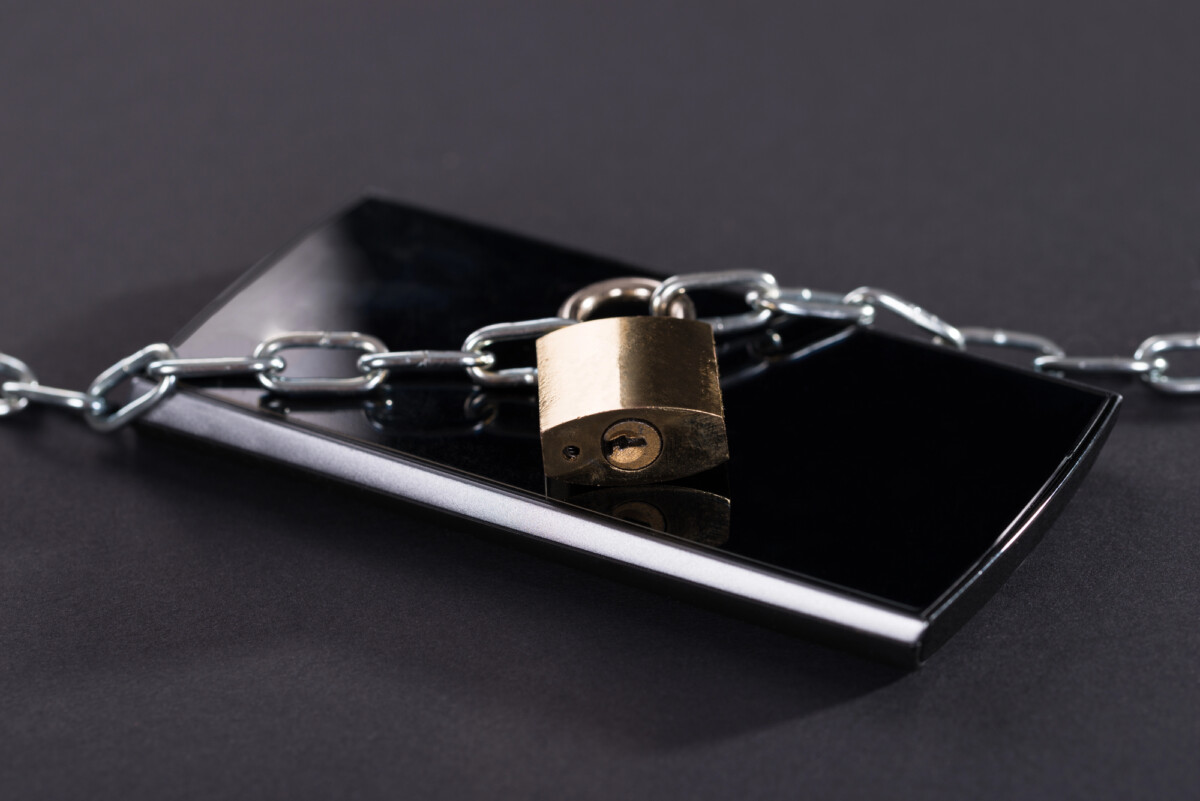
The first move I made was simply uninstalling apps on my phone entirely.
Admittedly, this one didn’t remove some of the apps I spend the most time on, but it did free up some clutter on my device and help me start thinking about the process in general.
Did I need TikTok? Reddit? Other apps that are time-wasting and not value-added? Not really. I justified them because some were “for my business,” but in reality, they weren’t doing much but getting the screen back in front of my face.
So the first thing I did was simply cull apps that were not doing me any good beyond killing time. The thing with this one is that I may not be completely done with these apps (though it’s looking pretty good for TikTok), and I can always re-download them if I need to for a specific use case, then delete them again immediately thereafter. But having time-wasting apps removed from my phone completely is a big first step.
Taking Apps Off Home Screen
The unfortunate downside of working in social media is that, yes, I have to have access to it, and some apps I can’t just get rid of completely (even though I want to).
So when I sat down to figure out how to minimize my use, I quickly realized that a lot of the apps I had on my homescreen were, naturally, the ones taking up a lot of my time- Gmail, Chrome, Messenger, Facebook, Meta Business Suite, Instagram, TikTok, Threads, etc. I could go on, but you can imagine what the rest of the screen looked like.
I found myself getting into an almost muscle-memory scenario- I knew exactly where my Facebook button was, I could unlock my phone and open it while not looking, and then began my usual trend of doomscrolling and/or goofing off.
For these apps, I put up a de facto barrier by taking many of them off my home screen. To access them now, I have to open my full app list, type in their names, search, and open them. This method is a bit of a hedge that my lazy side wins out (because who has time for three extra steps?), and, when I do reach for that search feature, I try to stop and remind myself to put the phone down and do something more worthwhile with my time.
Sometimes a little barrier can go a long way.
- Some people use 3rd-party apps to add a PIN code lock to select apps for a similar purpose. I tested a few but, admittedly, didn’t like them that much. (If you use one and it works well, drop it in the comments below.) I may opt to use these later, but for now I’m going to try pushing them out of initial screen view and see what happens.
- So, what’s on my home app screen now? It is less Facebook, Instagram, and Threads and more Duolingo, Kindle, Libby, Spotify, etc. Yes, still things that contribute to screen time, I will admit, but isn’t reading or learning a language just a bit better than playing on Facebook? I’d like to think so.
Turning Off Notifications
Finally, one additional step I took was to turn off notifications for practically everything.
No, I don’t need 10 notifications a day from things I might like from Reddit. No, I don’t need 12 push reminders to study Italian. No, I don’t care what some Instagrammer I don’t even follow is blowing up with. Apps like these turn on so many notifications by default, and they’re all designed to get you back on the app. You don’t need 99% of them.
As it turns out, my Google Pixel made it pretty easy to open the Notifications tab and find a list of apps that had permission to push updates to me. From there, I turned off almost all apps completely, and only let critical notifications remain- namely, direct messages, post comments, and emails.
All the suggested stuff? Off. Unimportant notifications? Removed. Bye-bye junk.
Now, I know that messages, comments, and emails will still send me a great deal of push notifications throughout the day. But as these are much more critical to my business, I, sadly, am keeping those on. But everything else? Good riddance.
Overall, these are just a few quick changes I made to help minimize my social media use and phone screen time this year. Will they get me all the way? Probably not. But small changes lead to big ones, and I’m hoping to put my phone down more and more with each passing month- these are just a good first step.
What have you done to try and minimize screen and/or social media time? Comment below to share!
Join This Week in Blogging Today
Join This Week in Blogging to receive our newsletter with blogging news, expert tips and advice, product reviews, giveaways, and more. New editions each Tuesday!
Can't wait til Tuesday? Check out our Latest Edition here!

Increase your blog's revenue with Raptive!
Add premium display advertising on your blog with Raptive- accepting blogs starting at 25,000 pageviews per month! (Additional terms may apply.)
Upgrade Your Blog to Improve Performance



Check out more of our favorite blogging products and services we use to run our sites at the previous link!
How to Build a Better Blog
Looking for advice on how to improve your blog? We've got a number of articles around site optimization, SEO, and more that you may find valuable. Check out some of the following!